


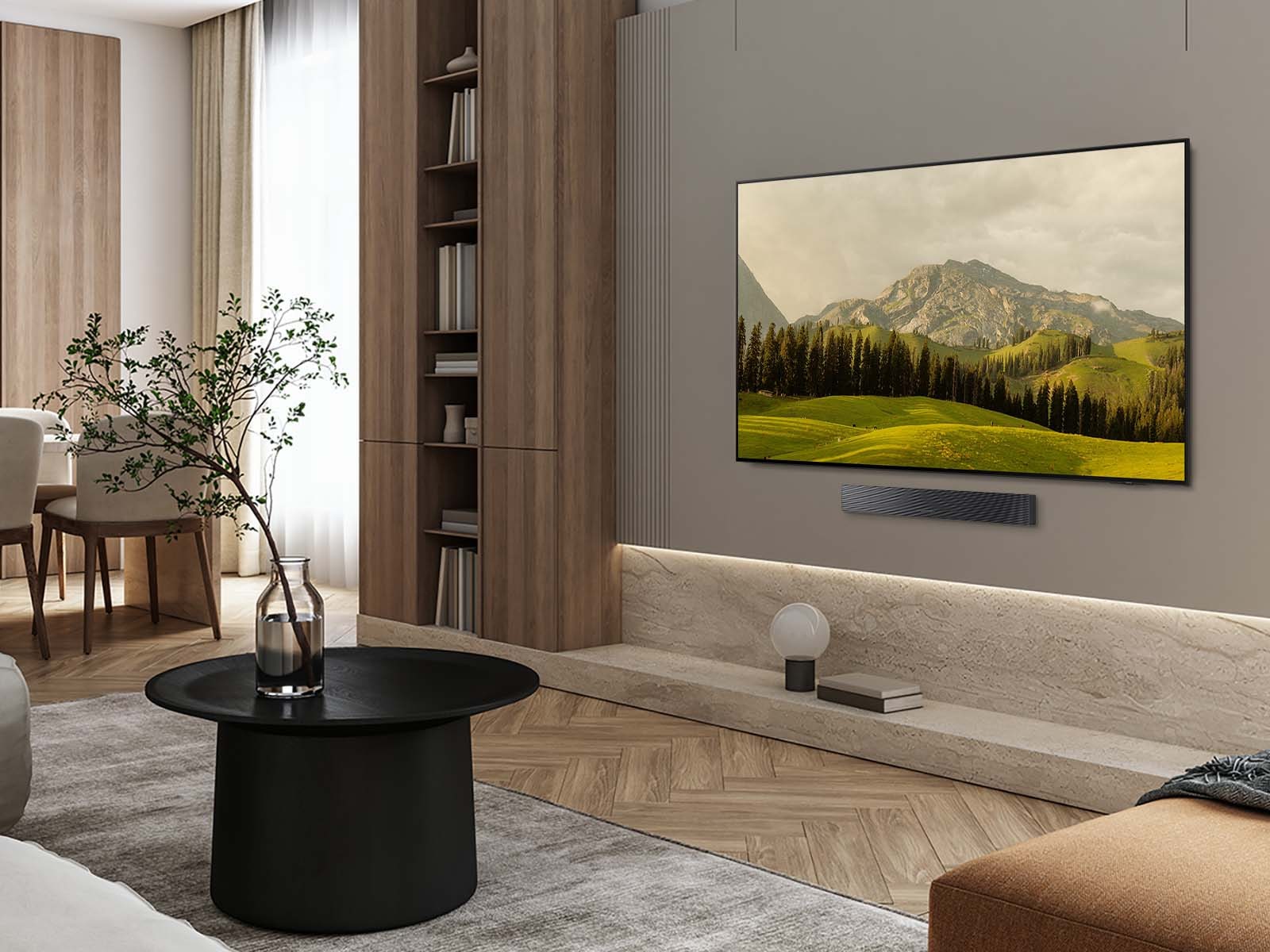
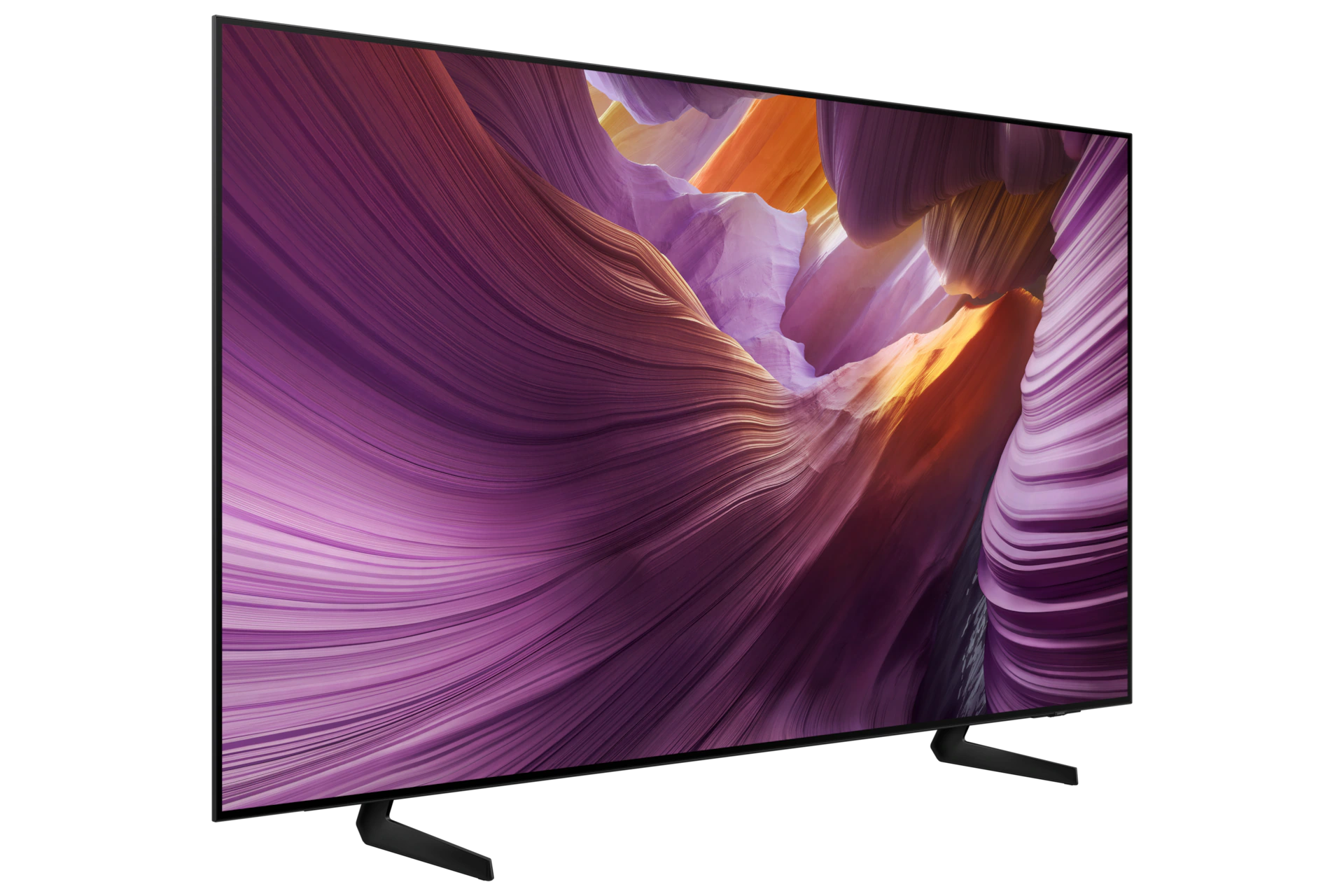
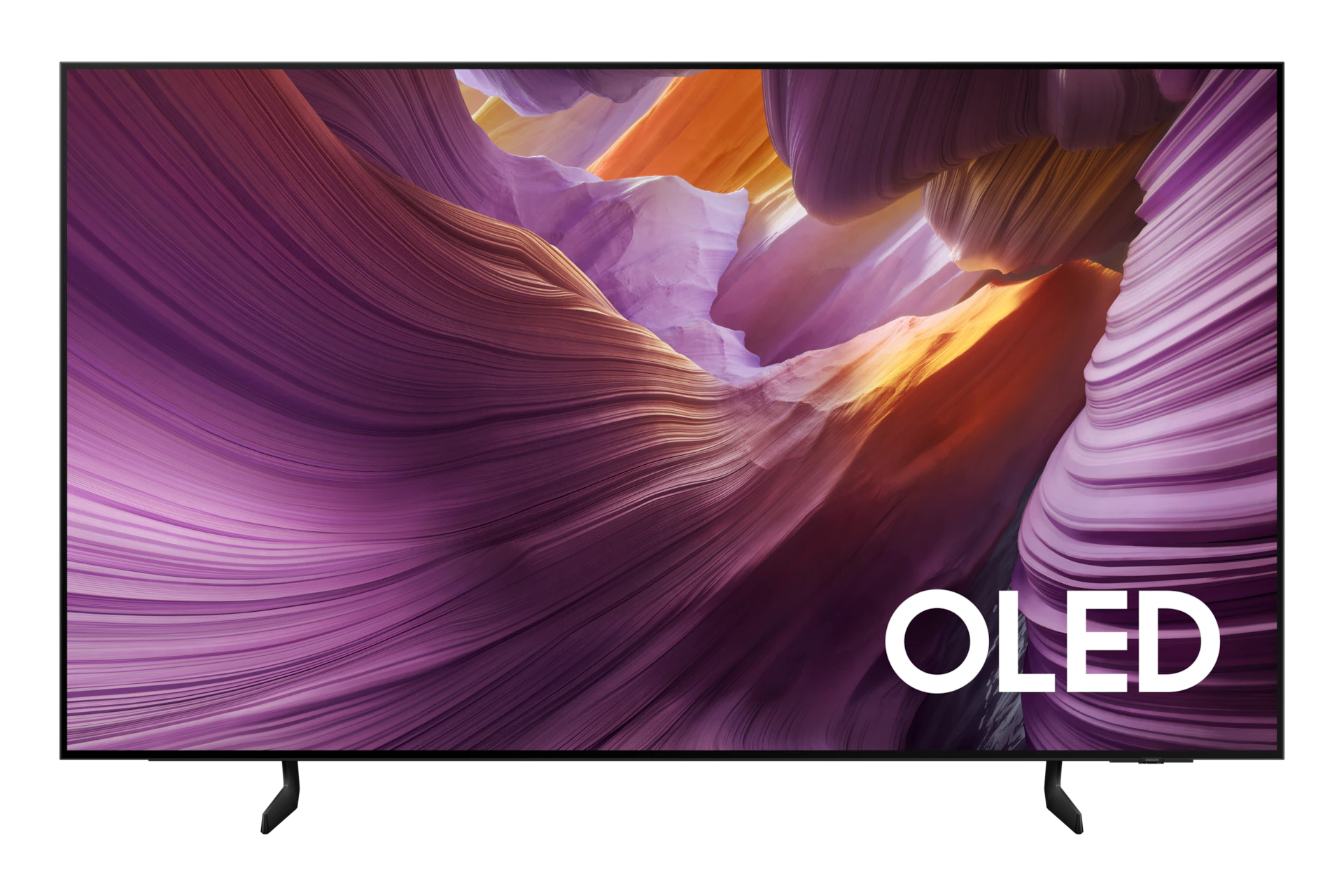



Vibrant, lifelike color with unmistakable OLED contrast
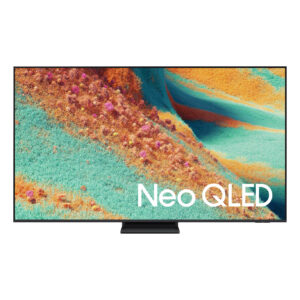
Self-illuminating pixels deliver vibrant, expert-validated color and unmistakable OLED contrast enhanced by Samsung Vision AI.¹,² A flowing design complements the bold brightness and depth on-screen, and enhanced sound.
¹Samsung Vision AI and associated features vary by 2025 TV model (not available on Q6F, Crystal and select special models). Al Upscaling utilizes Al-based formulas. See individual TV model specifications for details.
²Utilizes AI-Based formulas to upscale to 4K resolution. Resulting picture may vary based on source content.

Key features at a glance
Advanced processing powers AI-enhanced 4K clarity
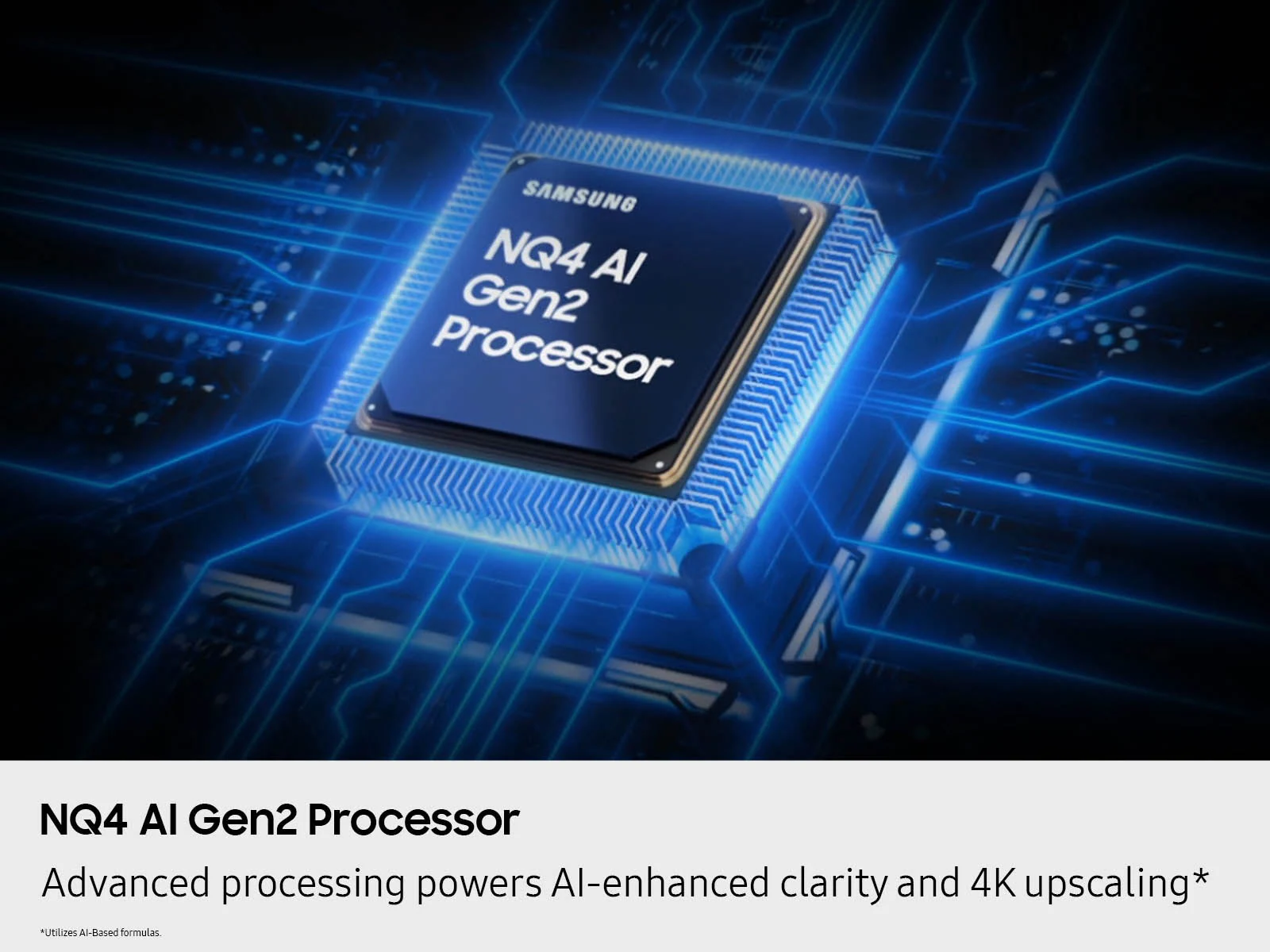
NQ4 AI Gen2 Processor
Uses AI with the power of 20 neural networks to enhance picture quality of your content to 4K and optimizes sound for superb performance in everything you watch.²


Boosts your favorite content to captivating 4K resolution
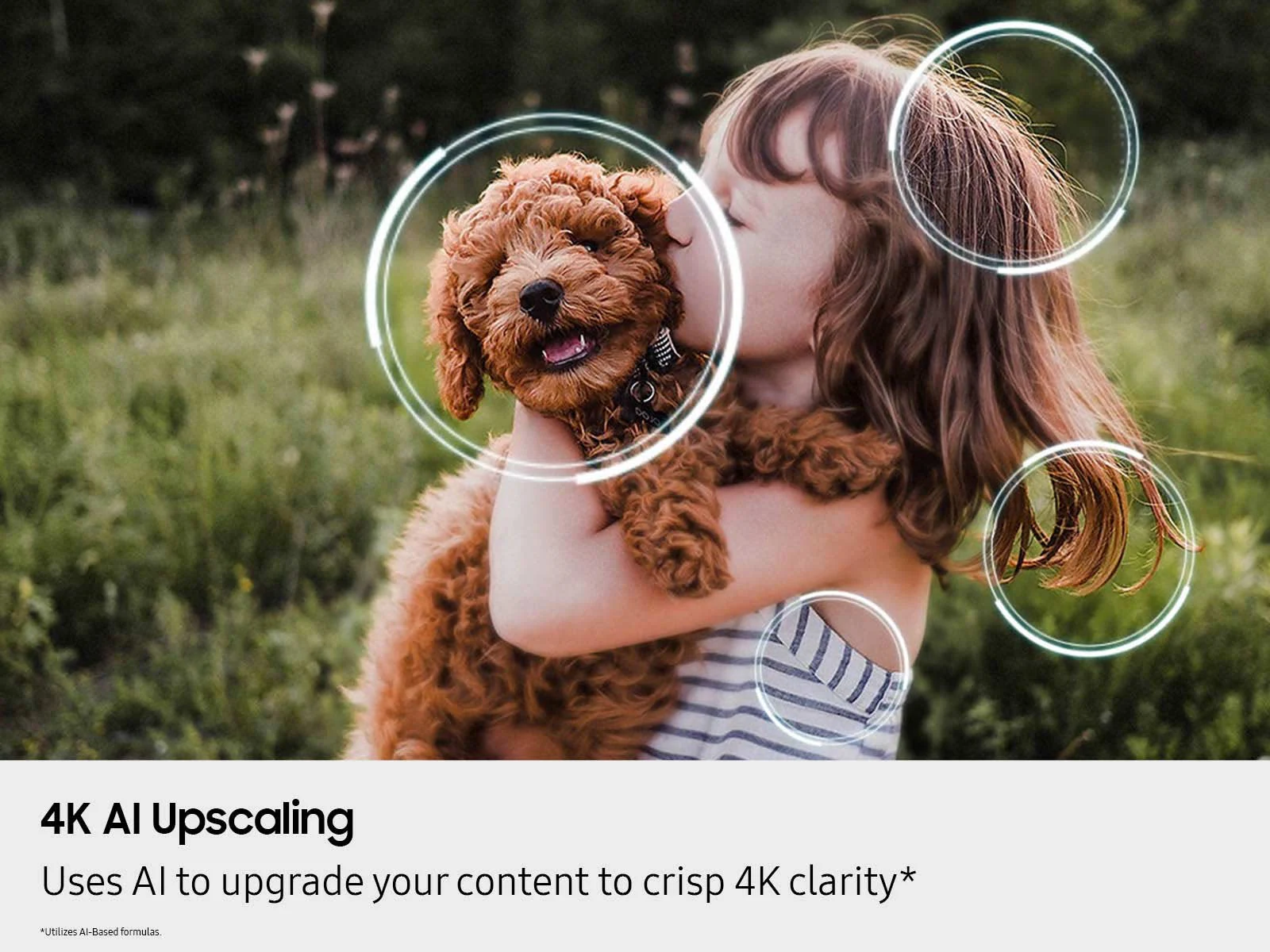
4K AI Upscaling
Watch your shows and videos in stunning detail. Our AI processor upscales your content to up to 4K using 20 AI neural networks and ensures sharp and smooth
picture quality.²

Dynamic brightness and contrast
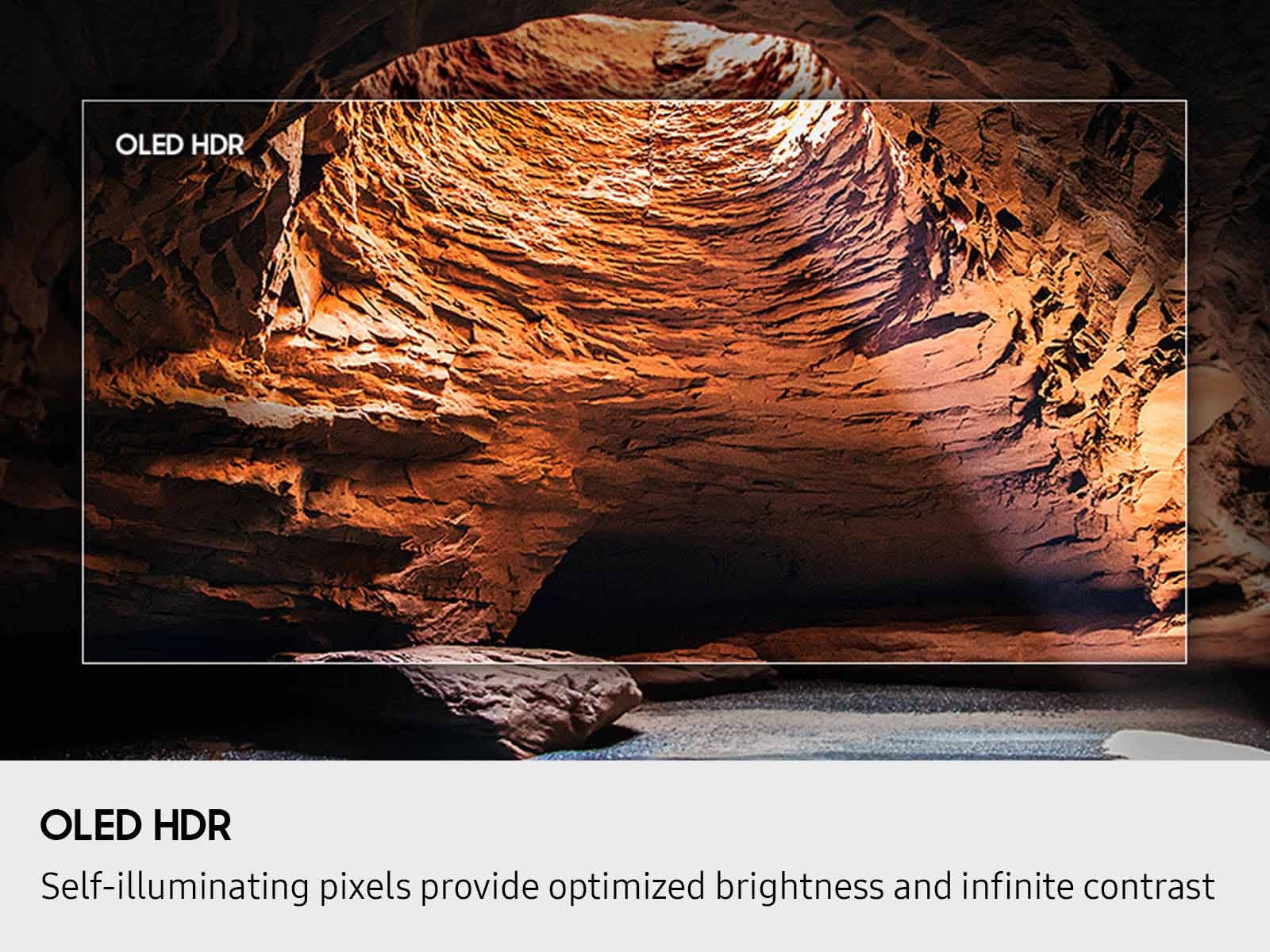
OLED HDR
Reveal hidden details with bold brights and inky blacks in each scene. The NQ4 AI Gen2 processor analyzes each scene to improve brightness for a more dynamic picture.

Expert-validated color and skin tones for a realistic picture
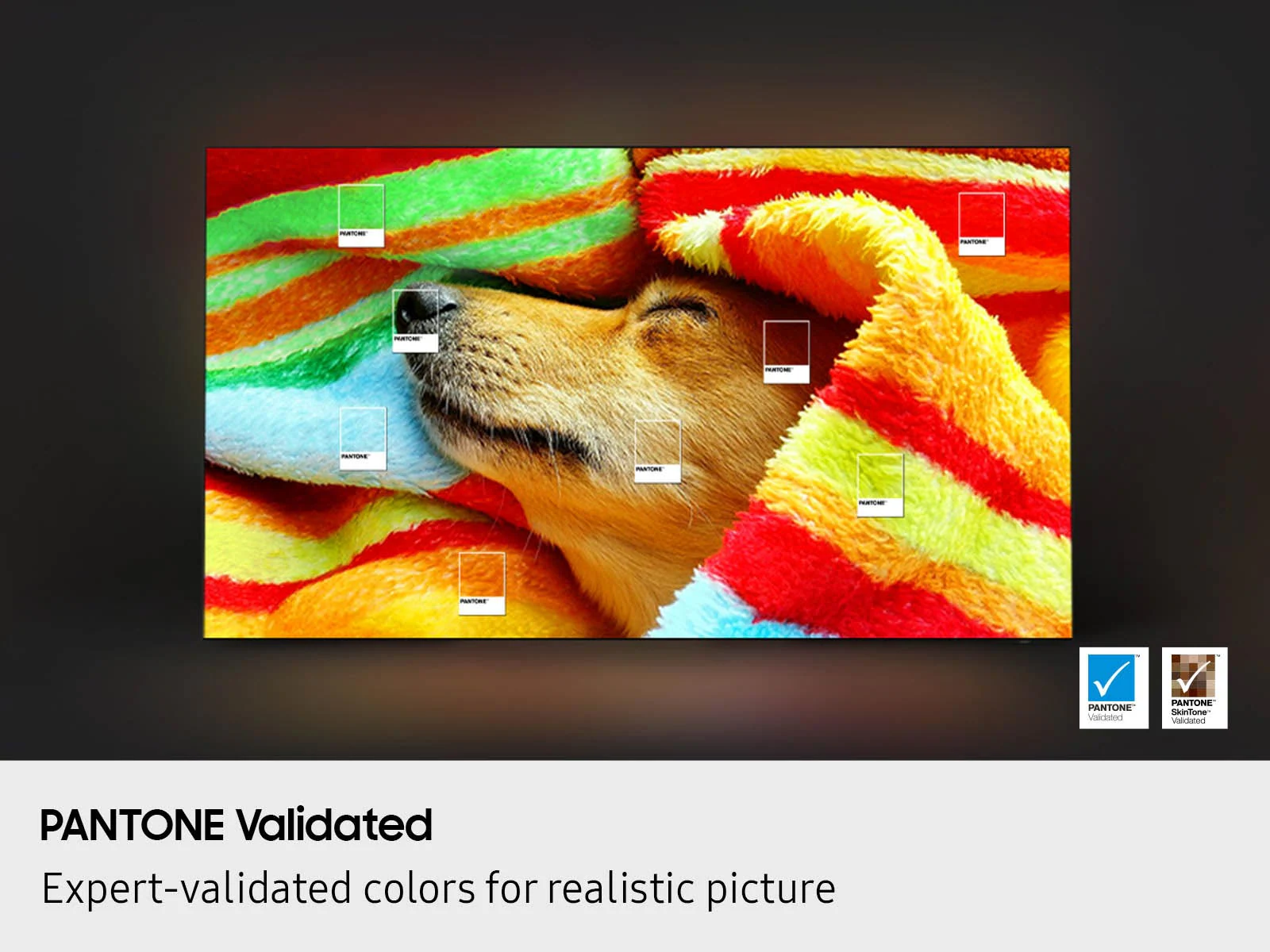
Pantone Validated®
With color validated by the experts at Pantone, you can be sure colors look realistic and skin tones accurately shown, for a vibrant and true-to-life picture.

Powerful AI features and services, all in one place
Samsung Vision AI Companion
Ask your TV anything through AI-enhanced conversation on your TV. Discover your next personalized movie recommendation, your next DIY project, an itinerary for your upcoming road trip, and so much more. With seamless access to AI picture and sound features, AI-powered experiences like Live Translate and Generative Wallpaper*, and AI agents from Copilot and Perplexity, you can do it all from your TV – all in one place.
*Samsung Vision AI, Vision AI Companion, Bixby and associated features vary by 2025 TV model. See individual TV model specifications for details. Bixby may record inputs and share queries with third-party AI providers. Requires Samsung Account and consent to Viewing Information Service; must be 18 years or older. Accuracy not guaranteed. Check results. Copilot by Microsoft, Perplexity, and other Samsung Vision AI Companion services terms apply and may require account login. Free and subscription-based versions available. User interface subject to change without prior notice. Contextual answers only available on Samsung TV Plus, antenna, and select HDMI content. Generative Wallpaper not available on OLED TVs.

Ask your TV anything, Smarter Bixby answers
Smarter Bixby
Intelligence begins with a chat. Smarter Bixby* understands you and makes it easy and intuitive to find answers to everything through your TV. It recognizes your exact needs, thanks to real time contextual understanding, and intelligently answers anything you ask.⁵
⁵**Smarter Bixby may record inputs and share queries with 3rd party AI providers. Requires Samsung account and consent to Viewing Information Service; must be 18 years or older. Accuracy not guaranteed. Check results.

See your favorite content the way you want it
AI Mode
Automatically detects the type of content you’re watching and intelligently optimizes the picture settings perfectly tailored to your tastes.²

Sound tailored to your space and content
Adaptive Sound Pro
Catch every word and enjoy vivid, balanced audio. Our AI processor identifies sounds, optimizes audio, and amplifies dialogue based on your room’s acoustics and what you’re watching.
Design that embodies sophistication
Contour Design
Made to look bold, yet elegant design that evokes gentle waves. Smooth lines and flowing design come together to harmoniously blend into your home.
Bring smooth motion to games and sports
Motion Xcelerator 120Hz
Experience smooth visuals and soaring speeds for VRR gaming with Motion Xcelerator 120Hz.⁷

⁷Performance may vary depending on the light condition.

Where gaming comes together – no console required
Gaming Hub
A central hub that brings your favorite games from your consoles, cloud services and gaming apps, all in one place. It offers personalized recommendations so you can easily find what to play next.⁸
⁸High speed internet connection, additional gaming service subscriptions and compatible controller required. *Samsung Account required for network-based smart services, including streaming apps and other smart features. Separate [connected] computer, mobile or other device may be necessary to create/log in to Samsung Account (free to download and create). Without Account log in, only external device connections (e.g., via HDMI) and terrestrial/over-the-air TV (only for TVs with tuners) available.

A fluid, tear-free gameplay experience
FreeSync Premium
Built on AMD FreeSync™ core technology to reduce stutter and screen tearing, FreeSync Premium provides a true HDR gaming experience.¹⁰
¹⁰Only available with PC connected games that support such specifications (PC graphic card required). Performance may vary.

Fine-tune your game settings as you play
Game Bar
A handy, in-game menu for settings like FPS, input lag, minimap zoom, and more. It also lets you apply ultra-wide aspect ratios of 21:9 and 32:9 to expand your view on bigger screens.¹¹
¹¹High speed internet connection, additional gaming service subscriptions, and compatible controller required. Game Bar UI is subject to change without prior notice.

Immersive lighting that syncs with your TV
Hue Sync
Dynamically syncs the picture on screen with Philips Hue lights¹¹ for next-level immersion and an unforgettable ambiance.¹²
¹²Smart light sold separately. Samsung account required. Additional installation of the Philips Hue Sync app and paid subscription are required.

Unimaginable contrast, powered by 8.3 million self-illuminating pixels
OLED
Get a truly cinematic picture with pitch blacks, dazzlingly bright whites, and a full range of bold, vivid colors — all created with self-illuminating pixels for precision detail.

3D-like scenes with AI
Real Depth Enhancer
Experience depth and dimension on screen just like you do in real life. For all content, Real Depth Enhancer mirrors how the human eye processes depth by increasing foreground contrast.

A world of vibrant colors enhanced by AI
Color Booster Pro
Experience vibrant and dynamic colors as AI analyzes each scene and enhances the hues for a more vibrant viewing experience.²

Clear dialogue with AI-powered voice enhancement
Active Voice Amplifier Pro
Say goodbye to the rewind and hear crystal-clear dialogue. Our AI processor identifies and amplifies voices above background sounds and even above noises in your room.¹
Your TV screen, tailored to you.
One UI Tizen
Stream your favorite movies and shows and access your favorite apps and games on an intuitive smart TV platform* , with personal data secured by Samsung Knox.** Plus get 7 year.¹⁴

¹⁴Samsung Account required for network-based smart services, including streaming apps and other smart features. Computer, mobile or other device may be necessary to create/log in to Samsung Account (free to download and create). Without Account log in, only external device connections (e.g., via HDMI) and terrestrial/over-the-air TV (only for TVs with tuners) available.
**Personal data includes directly input PIN-codes and passwords, and IoT device information shared through the SmartThings app. The latest software is required.
***Based on model year; requires Internet connection.
A world of content at your fingertips. No subscription required.
Endless Free Content
Watch 2,700+ free channels including 400+ Samsung TV Plus premium channels and on free streaming apps. Enjoy national and local news, sports, movies and more. Explore new content being added regularly.¹⁵
¹⁵Samsung Account required for network-based smart services, including streaming apps and other smart features. Computer, mobile or other device may be necessary to create/log in to Samsung Account (free to download and create). Without Account log in, only external device connections (e.g., via HDMI) and terrestrial/over-the-air TV (only for TVs with tuners) available. Channels may vary by location and are subject to change. UI is subject to change without prior notice.

Your privacy. Secured.
Samsung Knox Security
Your personal data¹⁶on your TV is protected by Knox, covering harmful apps, websites, passwords, and safeguards IoT devices connected to your TV.
¹⁶Personal data includes directly input PIN-codes and passwords, and IoT device information shared through the SmartThings app. The latest software is required.
Your smart home command center
SmartThings (Built-in SmartThings Hub & Home Insight)
Connect and control smart devices through your TV to simplify your day-to-day life with the built in SmartThings Hub. Get notifications about your devices right on screen, including a 3D Map View showing your entire smart home ecosystem at a glance.¹⁷
¹⁷Samsung Account required for network-based smart services, including streaming apps and other smart features. Separate [connected] computer, mobile or other device may be necessary to create/log in to Samsung Account (free to download and create). Without Account log in, only external device connections (e.g., via HDMI) and terrestrial/over-the-air TV (only for TVs with tuners) available.

Control your TV without having to pick up the remote
Universal Gestures
Control your TV with simple hand motions while wearing a Galaxy Watch. Whatever you are busy doing, easily control your TV with intuitive gestures without touching the remote.¹⁸
¹⁸Available apps and services may vary and are subject to change without notice. Only supported on Galaxy Watch4 and later models, and Wear OS 5 and higher versions. Galaxy Watch sold separately.

Spatial 3D sound with Galaxy Buds
360 Audio Mode
Immerse yourself in the scene with fluid sound from all around. Samsung TVs pair seamlessly with Galaxy Buds to deliver multi-directional 3D audio.²¹
²¹Galaxy Buds 360 Audio Mode is available with Galaxy Buds2 Pro, Galaxy Buds2, Galaxy Buds Pro, and Galaxy Live, all sold separately.

Transform your TV into a karaoke stage
Karaoke
Have fun with friends and family with the karaoke feature in Samsung Daily+. You can even connect your phone to use as a mic without separate equipment — your singing setup is already here.²²
²²Requires SmartThings app to be installed on the mobile device and connected via the same Wi-Fi network as the TV set. Mobile mic is compatible only with Galaxy S23 or later models and iPhone 15 & above. You must download the Karaoke app from Tizen to use the Karaoke function. An additional paid subscription is required for this service after 6 months of free use. (Users can access 5 songs per day for free without a subscription.)
Empowering everyone to enjoy TV with Audio Subtitles
Audio Subtitles
Audio Subtitles recognizes text-based subtitles and reads them aloud for you, enhancing your experience and raising accessibility and inclusivity to those with different visual abilities.²³
²³Audio Subtitles may vary according to region, model, viewing conditions and type of content. Audio Subtitles can be supported only with an HDMI output from a set-top box or an OTT box playing content that includes subtitles.

Ditch the remote batteries
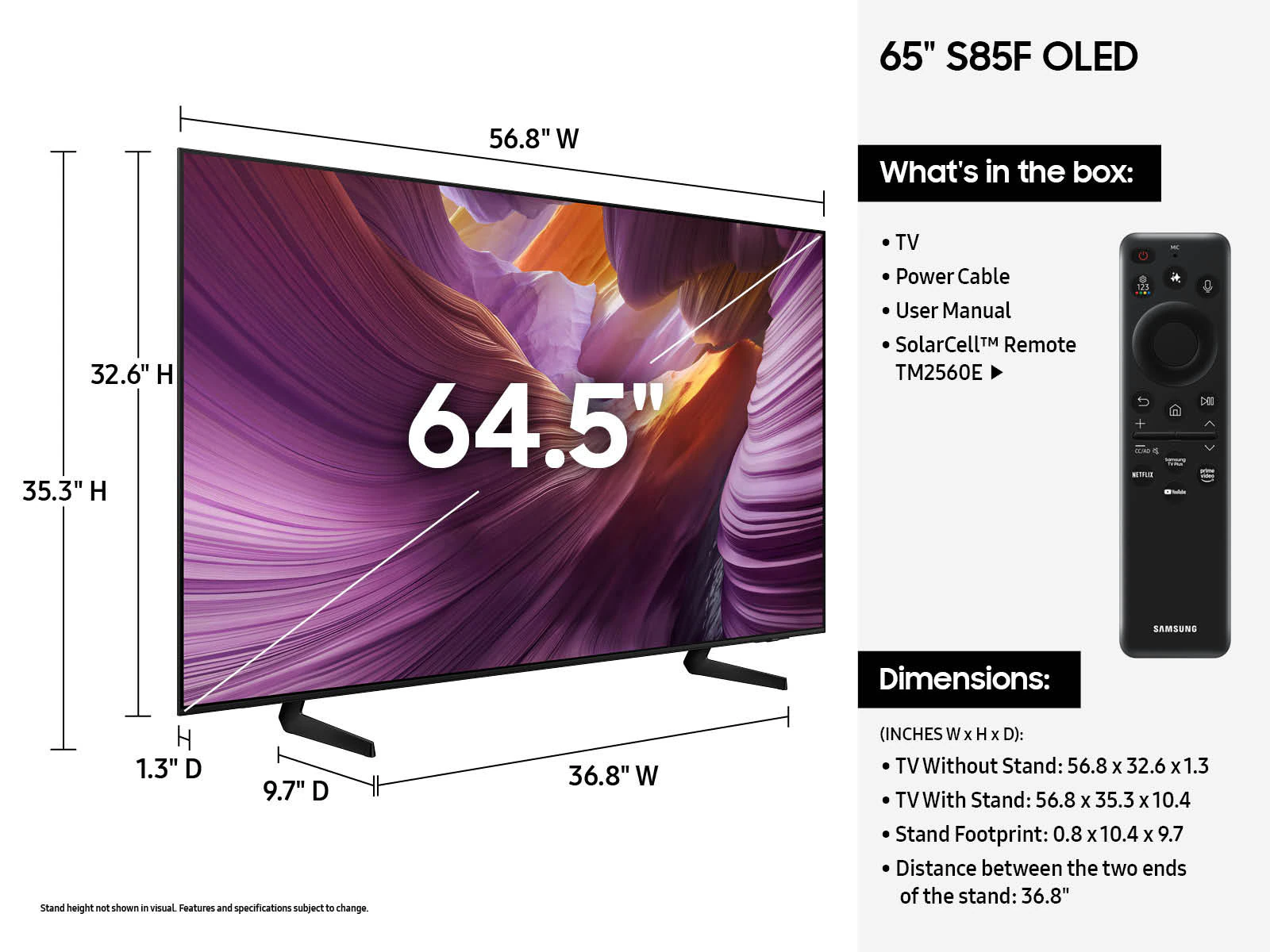
SolarCell Remote
Charges through the embedded solar panels or via USB-C. Its streamlined layout makes navigation easy and includes a built-in mic for voice commands.²⁴
²⁴To charge the remote with solar energy, set the TV remote down with the solar panel facing up. If the SolarCell remote is at 0%, USB-C charging is required.